
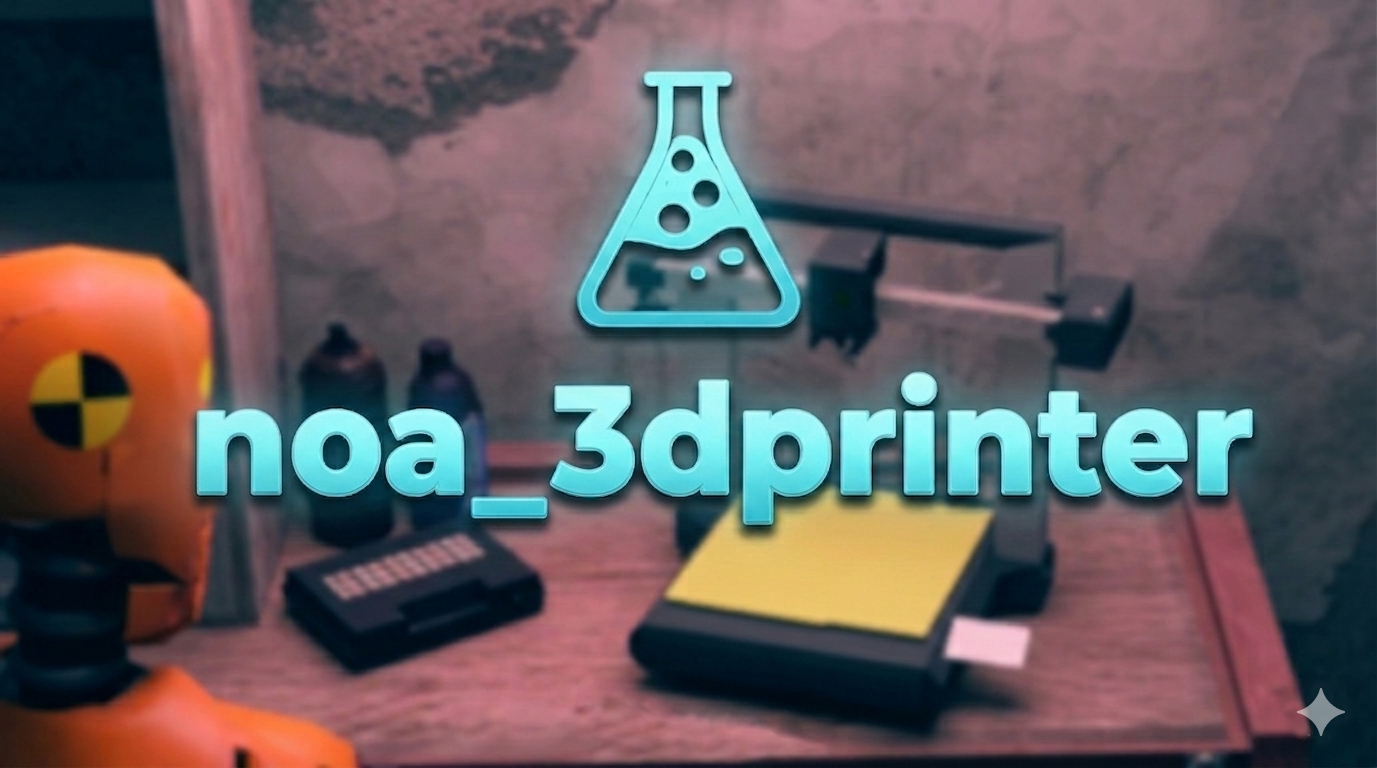
🖨️ NoaLab – 3D Printer for FiveM
The most realistic and advanced 3D printing system for your server
🔥 Why choose NoaLab 3D Printer?
NoaLab 3D Printer brings 3D printing to a professional level: persistent, smooth, and secure.
✅ Persistent database placement
Place the printer, restart the server… it's still there! Everything saved, fully automatic.
✅ Visual preview with rotation
See exactly where you're placing it, rotate with mouse wheel, and confirm with one click.
✅ Modern, responsive UI
Minimal crafting interface with progress bar, percentage, item preview, and immersive sound effects.
✅ Server‑side anti-cheat built in
No more exploits: distance checks, reward validation, disconnect cleanup – we've got your back.
✅ Native support for ESX, QBCore & Qbox
No manual config needed – the script detects your framework automatically.
✅ Multi‑material recipes
Each print can require multiple items and different quantities. Fully customizable from the config.
✅ Everything configurable
Print times, max distances, sounds, props, labels… even job restrictions if you want.
✅ Custom props INCLUDED
Get a 3D printer, workbench, and pistol models completely FREE!
🎮 How it works in game
- Get the
3d_printeritem - Use it → a transparent preview appears
- Place with
E, rotate withscroll, cancel withX - Open interaction menu → select "Use 3D Printer"
- Choose a recipe and watch the print in action!
During printing:
▶️ Real-time progress bar
🔊 Dynamic sound effects
📍 Distance check: move too far and the print fails (no exploits)
You can also pick up the printer back into your inventory anytime.
🛡️ Security & Performance
All critical logic is server‑side:
- Continuous position validation
- Ownership checks
- Anti-distance crafting protection
- Automatic cleanup on crash/disconnect
Lightweight, optimized, and built with ox_lib for maximum reliability.
📦 Required Dependencies
- ox_lib
- ox_inventory
- ox_target
- oxmysql
(Supports ESX, QBCore, Qbox out of the box)
⚙️ Installation in 4 steps
- Add the items to
ox_inventory/data/items.lua - Run
Create_Database.sql - Place the folder in
resources/ - Add
ensure noa_3dprinterto yourserver.cfg
Done! Your players' printers will be saved forever.
🖼️ Previews & Customization
- Default prop:
noa_3dprinter_static(replaceable with any model) - Sounds in
.mp3format (44100 Hz) - Recipe images in
html/images/
Create recipes for weapons, items, rare resources… anything ox_inventory supports.
🔧 Support & Updates
Get direct support on our Discord and updates.
Fully documented, clean and commented code.
💎 What are you waiting for?
Take your server's crafting to the next level.
NoaLab 3D Printer is the script you've been missing to amaze your players.
👀Looking for a demonstration? Watch the video: FiveM 3D Printer System | ESX/QBCore/Qbox
👉 Buy now on Tebex
👉 Learn more on the CFX Forum
Version 1.0 | Created by NoaLab